Implement Hero Banner for each page #11



Notifications
Due Date
No due date set.
Dependencies
No dependencies set.
Reference: Shop/Shop-Storefront#11
Reference in New Issue
Block a user
Delete Branch "%!s()"
Deleting a branch is permanent. Although the deleted branch may continue to exist for a short time before it actually gets removed, it CANNOT be undone in most cases. Continue?
I am having trouble working with the carousel. Normally, if the hero banner has one image, dividing the layout into left, right, and center poses no problem. The issue arises when I design it in a carousel format; does the layout still divide into left, right, and center, or is it simply a section listing the images?

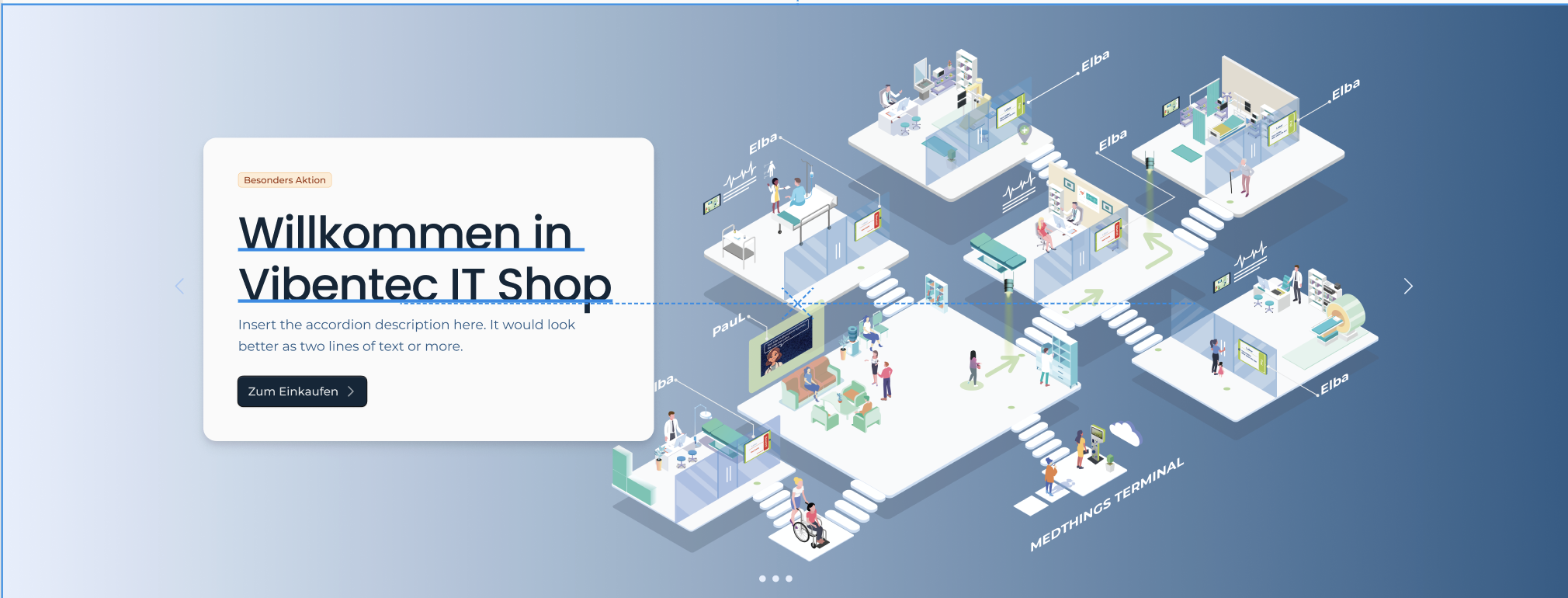
I have done the Hero banner each page and reused the Hero folder already implment of medusa component.
Also i have installed carousel lib
embla-carousel.comand implement the json file follow Stephan structure suggested.Pls help me review #13
Hero — JSON Configuration Guide
This guide explains how to configure the
Herocomponent inconfig/nam.vibentec.design.json. It follows the current structure and does not use file line references.Overview
Herorenders the top-of-page banner area.ImageDisplayer, and overlay content placed inleft,center, orrightregions.Minimal Structure
Config Keys
className: overall CSS classes for the hero container.ImageDisplayer)duration: number (seconds) between image rotations.images: array of image paths (relative to your public/assets location).links: array of URLs associated with each image. Keep the array length aligned withimages.left,center,right: arrays of components to render as overlays on top of the hero.Overlay with
VtCtaBannerVtCtaBanneris commonly used to display messaging and a CTA inside the hero.Config keys:
variant: e.g.,"default".className: positioning/styling classes (e.g., absolute offsets).tagText,titleText,descriptionText,buttonText.titleTextClassNameand other optional text-related class keys.Example overlay:
Place this object in one of the overlay arrays, e.g.,
Hero.config.left.Full Example
Common Edits
ImageDisplayer.config.duration.ImageDisplayer.config.imageswith valid paths.ImageDisplayer.config.linksto match image positions.VtCtaBannercopy and classes; reposition by updatingclassNameor moving the object betweenleft/center/right.className.Tips
imagesandlinksarrays aligned in length to avoid mismatched navigation.This guide helps you configure the hero quickly while following the current JSON design pattern.